Configuring Script Execution
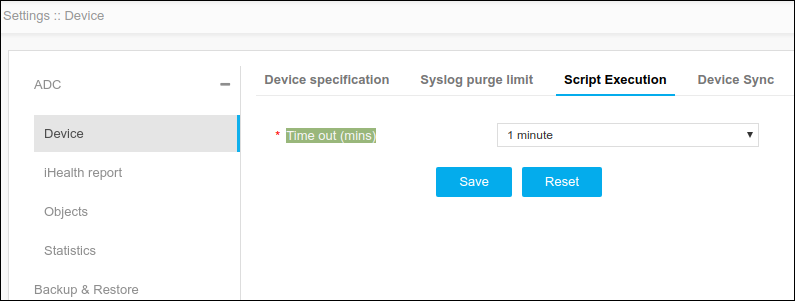
Script Execution setting allows you to specify the time-out limit of script execution. If the script execution exceeds the specified time, AppViewX will automatically terminate the script.
To configure script execution,
- Click Menu > ADC+ > SETTINGS > Module Settings > ADC > Device > Script Execution tab.
-
On the Script Execution tab, specify the timeout limit.
-
Click Save.
Note: To reset the changes, click Reset.