Collapse or Expand an Object
To collapse or expand an object:
-
Click
 in the Command
bar.
in the Command
bar.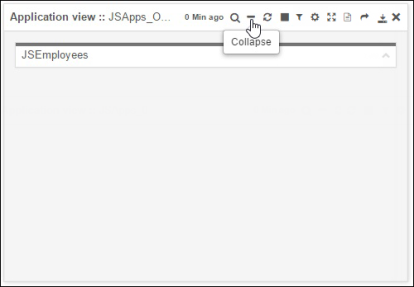 The object collapses to display only its header information and the Command bar.
-
To reverse the action, click
 in the Command bar.