Jump to main content
Auto-generate Forms
You can auto-generate a self-service form from any workflow task(s). The variables used
within a task are rendered into the form automatically.-
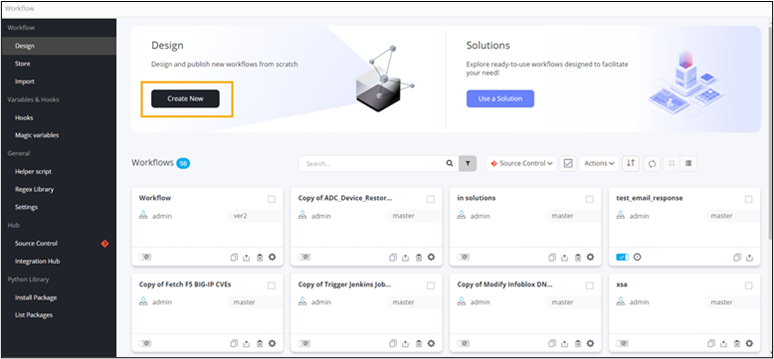
To create a new workflow, on the Workflow
inventory page, click Create New.
-
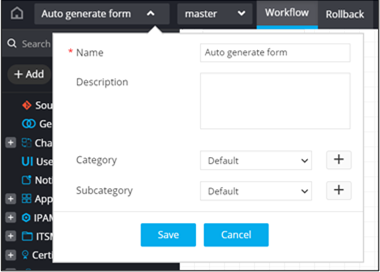
Enter the workflow Name.
-
Click Save.
-
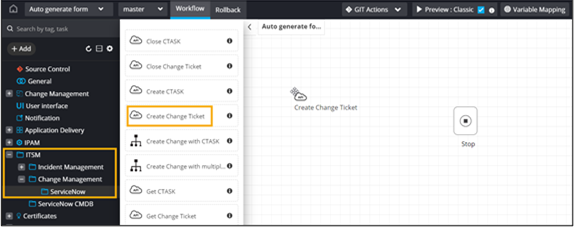
Drag and drop a prebuilt workflow task.
-
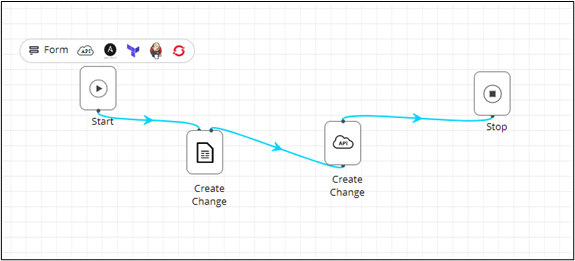
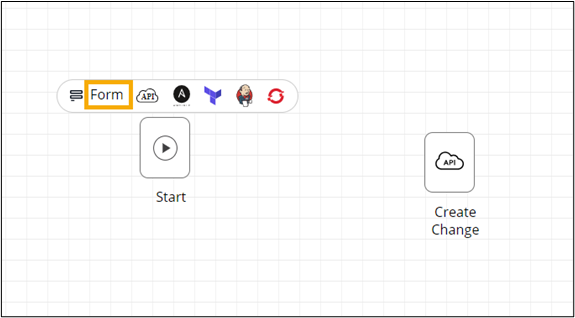
To auto-generate a self-service form, click Form above
the Start task.
-
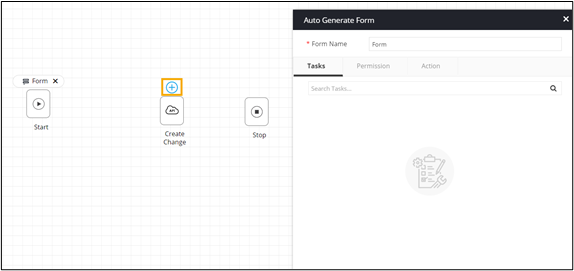
To auto-fill the variables in the form, click
 above the Create Change task.
-
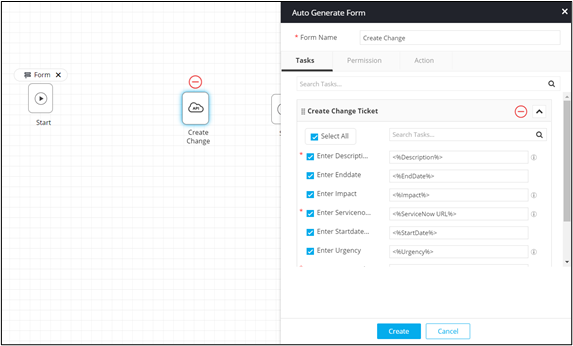
Enter the Form Name.
-
Select/deselect the fields to be displayed in the self-service form.
-
To generate the form with the selected field IDs, click
Create.
-
Connect the workflow tasks and trigger the workflow from the Request :: View/Run page.