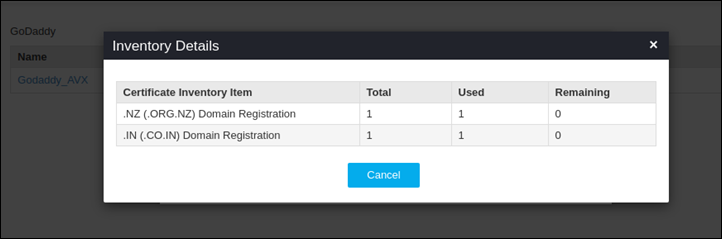
View GoDaddy product units
Each GoDaddy account will have different types of SSL products and units, below said steps would allow users to know the availability of the products and their remaining units.
To view the GoDaddy product units,
- Log in to the AppViewX application with valid credentials.
-
Click on the menu button.
The left navigation pane appears.
-
Click CERT+.
The CERT+ left navigation pane appears.
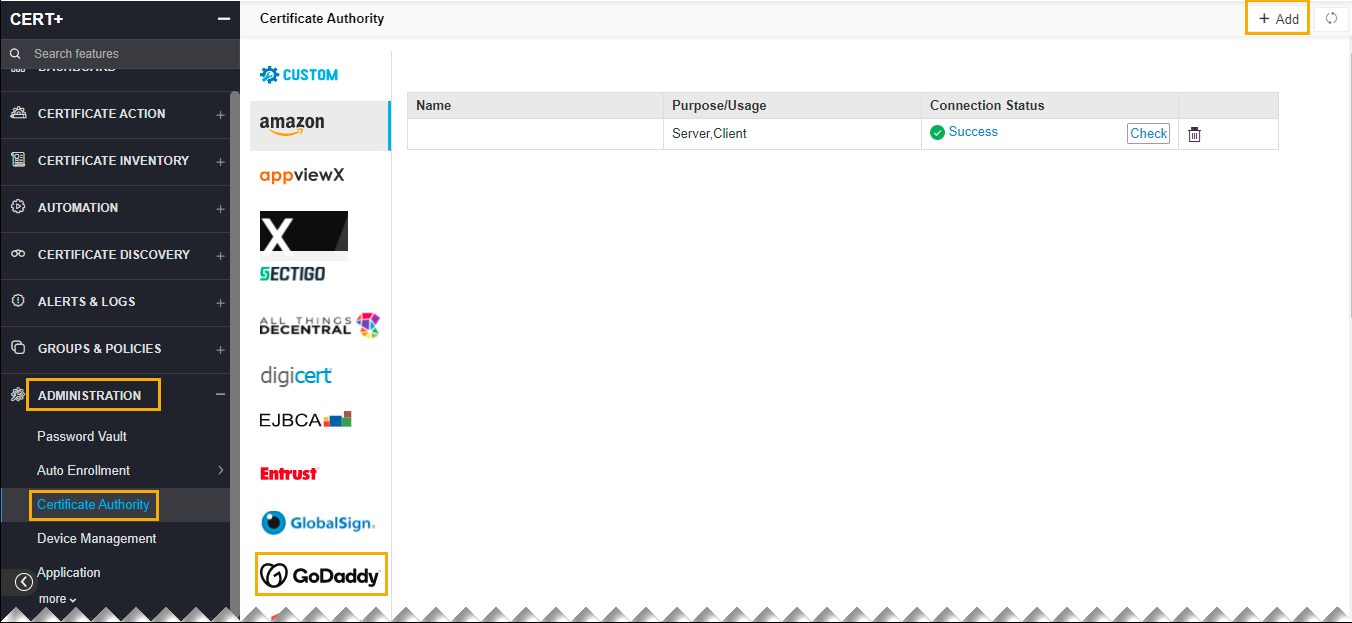
- Expand ADMINISTRATION.
-
Click Certificate Authority, and then select GoDaddy.
The Certificate Authority home page appears.
-
On the GoDaddy page, click View to fetch the product types and the units available for the GoDaddy account configured. Once clicked, users can view the available and used product units.