Validating Microsoft Standalone
Once the Microsoft Standalone settings are added validation needs to be done to check whether the connection between AppViewX and Microsoft Enterprise is properly configured. To validate the Microsoft standalone CA,
- Log in to AppViewX application with valid credentials.
-
Click the menu button located in the upper left corner of the screen.
The left navigation pane appears.
- Click CERT+.
The CERT+ left navigation pane appears.
- Expand ADMINISTRATION.
- Click Certificate Authority, and then select Microsoft Standalone.
-
Click Check to validate the CA setting that has been created.
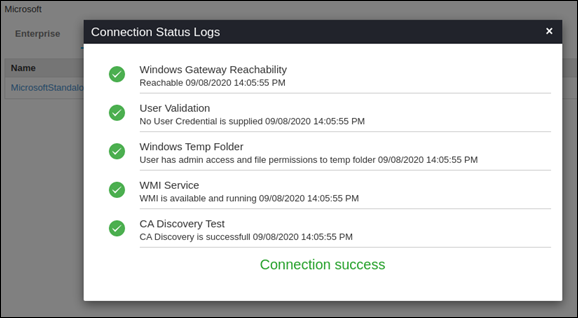
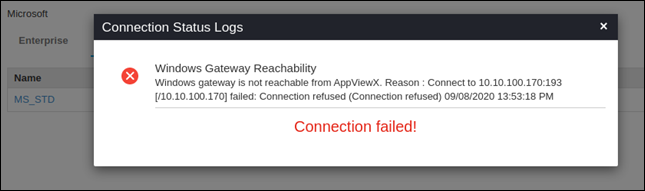
The CA communication will be validated and the Connection Status will be shown as either Success or Failure.Success scenario for Native APISuccess scenario for PowershellSuccess scenario for WMI.Success scenario for Native API
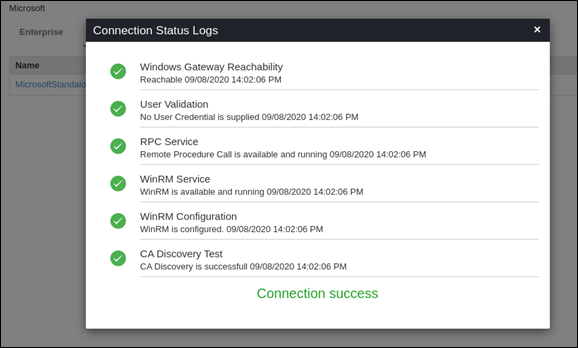 Success scenario for Powershell
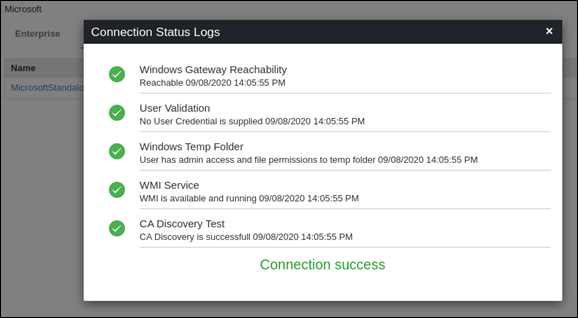 Success scenario for WMI