- Login to the AppViewX Server as a root user via SSH.
- To navigate to the /etc/systemd/system/ directory, execute the following
command:
cd /etc/systemd/system/
- To create a new appviewx.service file, execute the following command:
vi appviewx.service
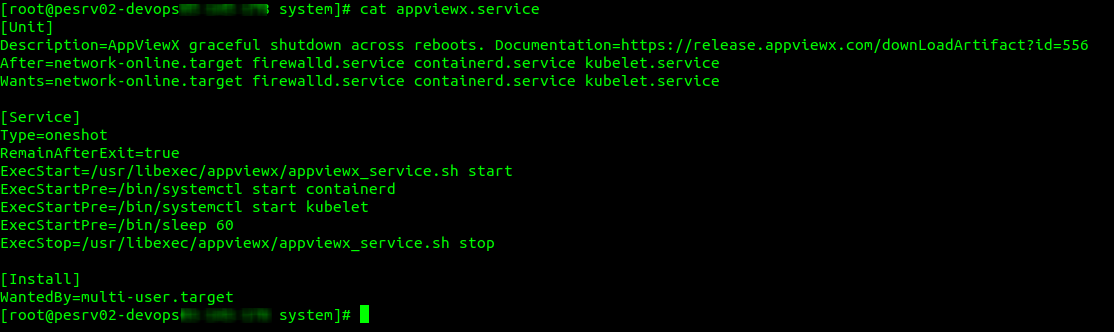
- Enter the following details:
[Unit]
Description=AppViewX graceful shutdown across reboots. Documentation=https://release.appviewx.com/downLoadArtifact?id=556
After=network-online.target firewalld.service containerd.service kubelet.service
Wants=network-online.target firewalld.service containerd.service kubelet.service
[Service]
Type=oneshot
RemainAfterExit=true
ExecStart=/usr/libexec/appviewx/appviewx_service.sh start
ExecStartPre=/bin/systemctl start containerd
ExecStartPre=/bin/systemctl start kubelet
ExecStartPre=/bin/sleep 60
ExecStop=/usr/libexec/appviewx/appviewx_service.sh stop
[Install]
WantedBy=multi-user.target
- To create the appviewx directory, execute the following command:
mkdir -p /usr/libexec/appviewx
- To navigate to the appviewx directory, execute the following command:
cd /usr/libexec/appviewx/
- To create the appviewx_service.sh script file, execute the following command:
vi appviewx_service.sh
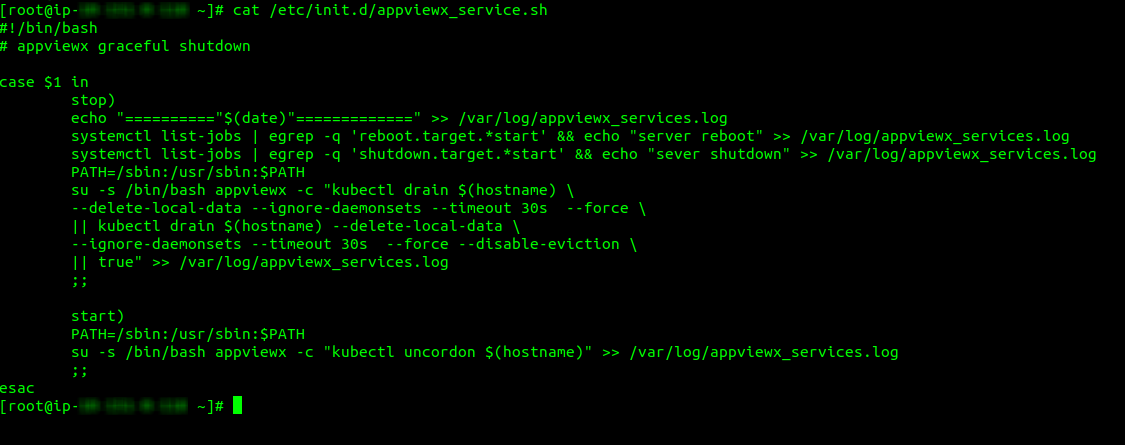
- Enter the following details:
#!/bin/bash
# appviewx graceful shutdown
case $1 in
stop)
echo "=========="$(date)"=============" >> /var/log/appviewx_services.log
systemctl list-jobs | egrep -q 'reboot.target.*start' && echo "server reboot" >> /var/log/appviewx_services.log
systemctl list-jobs | egrep -q 'shutdown.target.*start' && echo "sever shutdown" >> /var/log/appviewx_services.log
PATH=/sbin:/usr/sbin:$PATH
su -s /bin/bash appviewx -c "kubectl drain $(hostname) \
--delete-local-data --ignore-daemonsets --timeout 30s --force \
|| kubectl drain $(hostname) --delete-local-data \
--ignore-daemonsets --timeout 30s --force --disable-eviction \
|| true" >> /var/log/appviewx_services.log
;;
start)
PATH=/sbin:/usr/sbin:$PATH
su -s /bin/bash appviewx -c "kubectl uncordon $(hostname)" >> /var/log/appviewx_services.log
;;
esac
- To assign execute permissions to the appviewx_service.sh script file, execute
the following command:
chmod u+x /usr/libexec/appviewx/appviewx_service.sh
- To navigate to the system directory, execute the following command:
cd /etc/systemd/system/
- To reload the daemon, execute the following command:
systemctl
                        daemon-reload
- To enable the appviewx service, execute the following
command:
systemctl enable appviewx.service