AppViewX
To configure credential details for the AppViewX vault:
-
On the Add credential page, in the Credential details section,
enter the required field information.
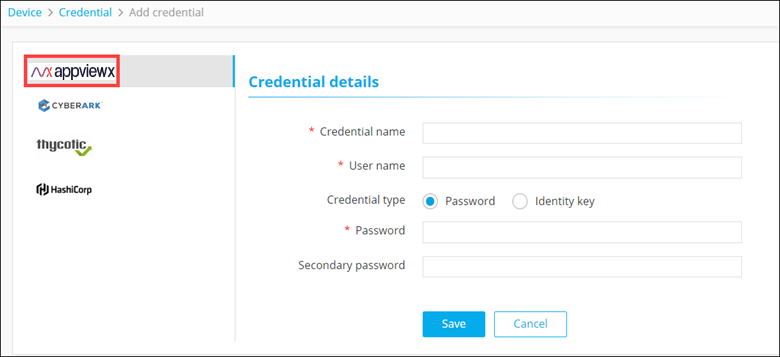 The following table describes the field information in this section:
Field Description *Credential name Name for the credential for the users to identify it. *User name User name used for device onboarding. Credential type Select the type of authentication from one of the following: - Password
- Identity key
*Password Password configured at the time of device onboarding.
Note: This field is displayed only when the Credential type is selected as Password.Secondary password Additional password enabled by vendors for specific operations. Note: This field is displayed only when the Credential type is selected as Password.*Identity key Credentials (private key in the .pem or .txt format) for enabling device communication via SSH. Note: This field is displayed only when the Credential type is selected as Identity key.Passphrase Key to protect the private key files. Note: This field is displayed only when the Credential type is selected as Identity key.All * marked fields are mandatory. - Click Save.