Viewing Syslog Logs
-
To access the navigation pane, in the top-left corner of the screen, hover the
mouse pointer over the
 icon.
icon.
-
From the menu displayed, click Logging.
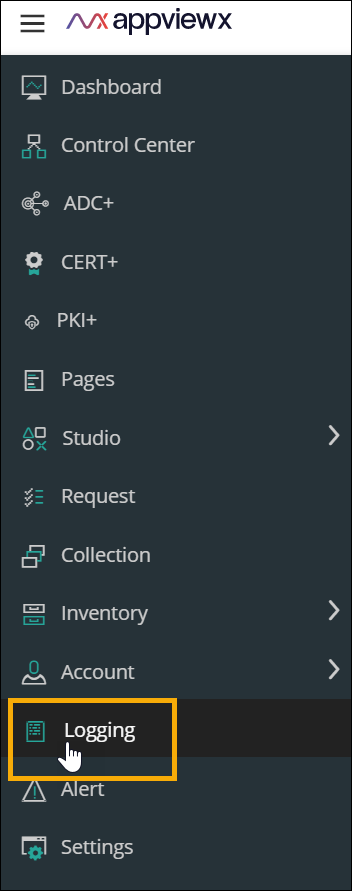 The Logging :: All page is displayed (by default).
 -
On the Logging page, click the Syslog tab.
The Logging :: Syslog page is displayed.
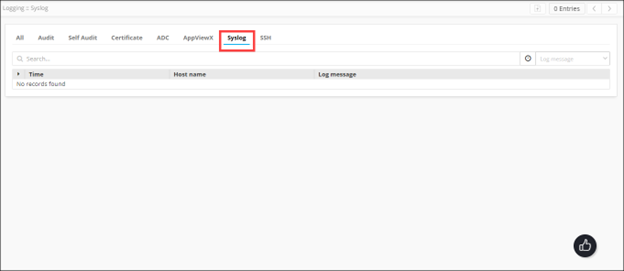 The page displays the following details for the
Syslog logs:
The page displays the following details for the
Syslog logs:Category Description Time Date and time at which the activity was carried out. Host name Host name of the Syslog server. Log Message Description of the activity logged.