Delete Bookmark
- Log in to the AppViewX application with valid credentials.
- Select Menu > ADC+ > TRAFFIC MANAGEMENT > App Search.
- Run a search.
-
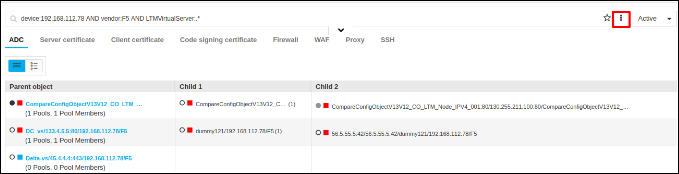
In the grid / infrastructure view click on More Options button(3
vertical dots) next to the search bar.
-
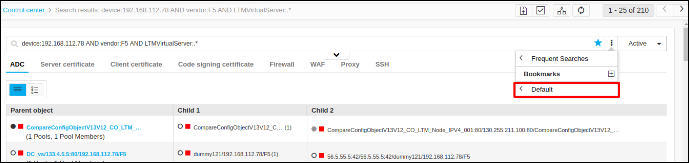
Mouse hover the folder name under the bookmarks menu.
All the bookmarks under the folder will be displayed.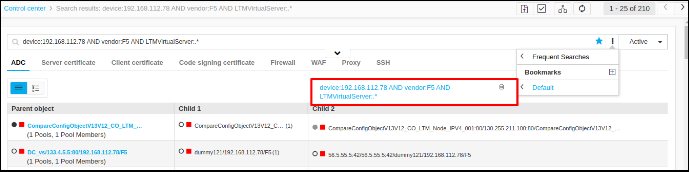
-
Mouse hover on the bookmark name and the delete button will be displayed.
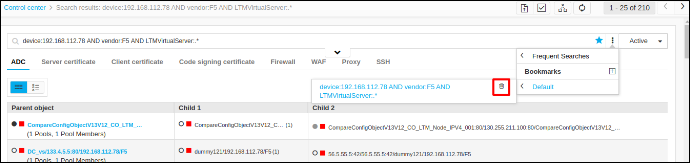
- Click Delete.