Fields in alert settings may differ based on the alert type, but the process for
deleting the alert settings is identical. To delete the alert settings use the below
steps:
Log in to the AppViewX application with valid credentials.
Select Menu > ADC+ > ALERTS & LOGS >
Alerts.
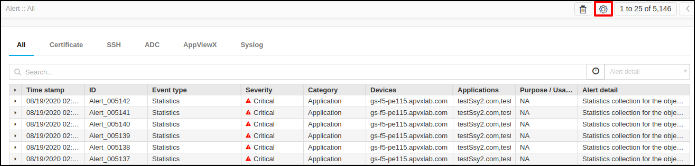
Click on the Settings button.
To delete the alert settings of a particular alert type click on the
corresponding tab. For example ADC or Syslog.
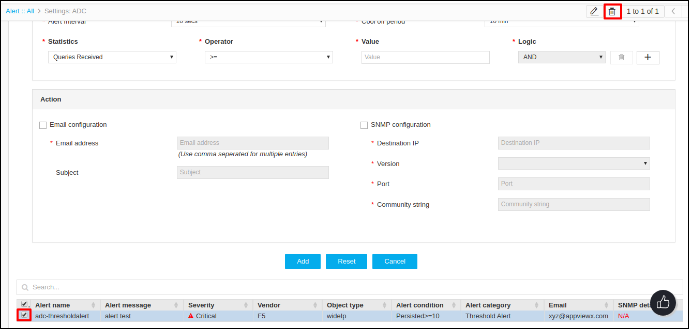
Select an alert from the table and the delete button in the top right corner
will be enabled.