Selecting the Landing Page
-
On the Request ::
Overview page, from the navigation pane on the left, click
Preference.
The Preference :: Landing page window is displayed.
-
In the Preference :: Landing page window, Select a Landing page
from the list of options.
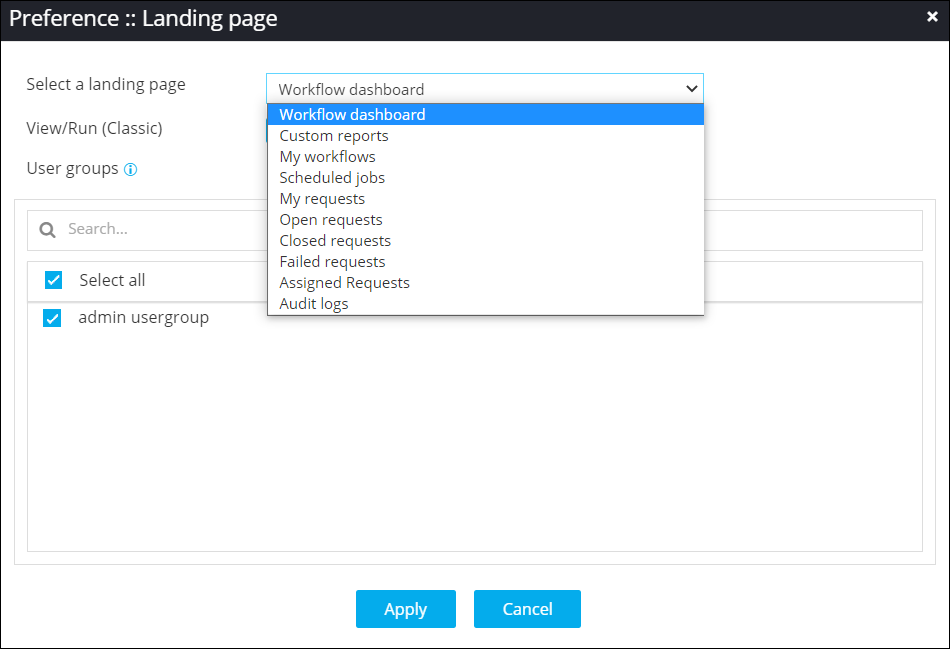
- Under User groups, select the user groups for which the selected page will be set as the landing page.
- Click Apply.