Triggering a Workflow
-
On the Request :: Overview
page, from the menu on the left, click View/Run.
Note: Only enabled workflows are displayed on the Request :: View/Run page.
-
To trigger a workflow search for the workflow, hover your mouse over the
workflow name, and click
 .
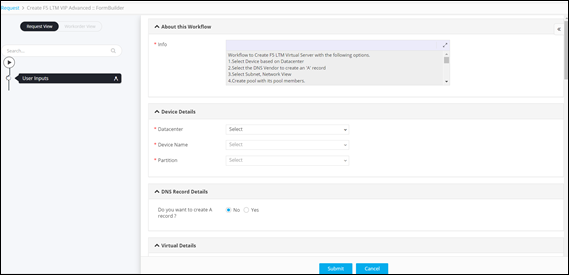
The workflow is executed with the user inputs requested at the first stage.
.
The workflow is executed with the user inputs requested at the first stage.