Accessing the CERT+
Steps to access the CERT+,
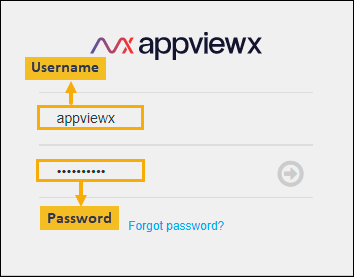
- Log in to AppViewX with a valid credential (URL provided by AppViewX).
The AppViewX Landing page appears.
- Click menu button located in the upper left corner of the screen.
- Click CERT+ on the left navigation bar.