Modify Feature Gates of a Cluster
The feature gates configured while generating the deployment configuration can be modified post successful deployment of cert-orchestrator in the desired cluster.
To modify feature gates for a cluster, by simply clicking on the edit icon parallel to the cluster name.
- Go to > > > .
-
Click
 on a cluster in the Actions
column.
on a cluster in the Actions
column.
-
On the Update Cert Orchestrator page, modify the feature
gates.
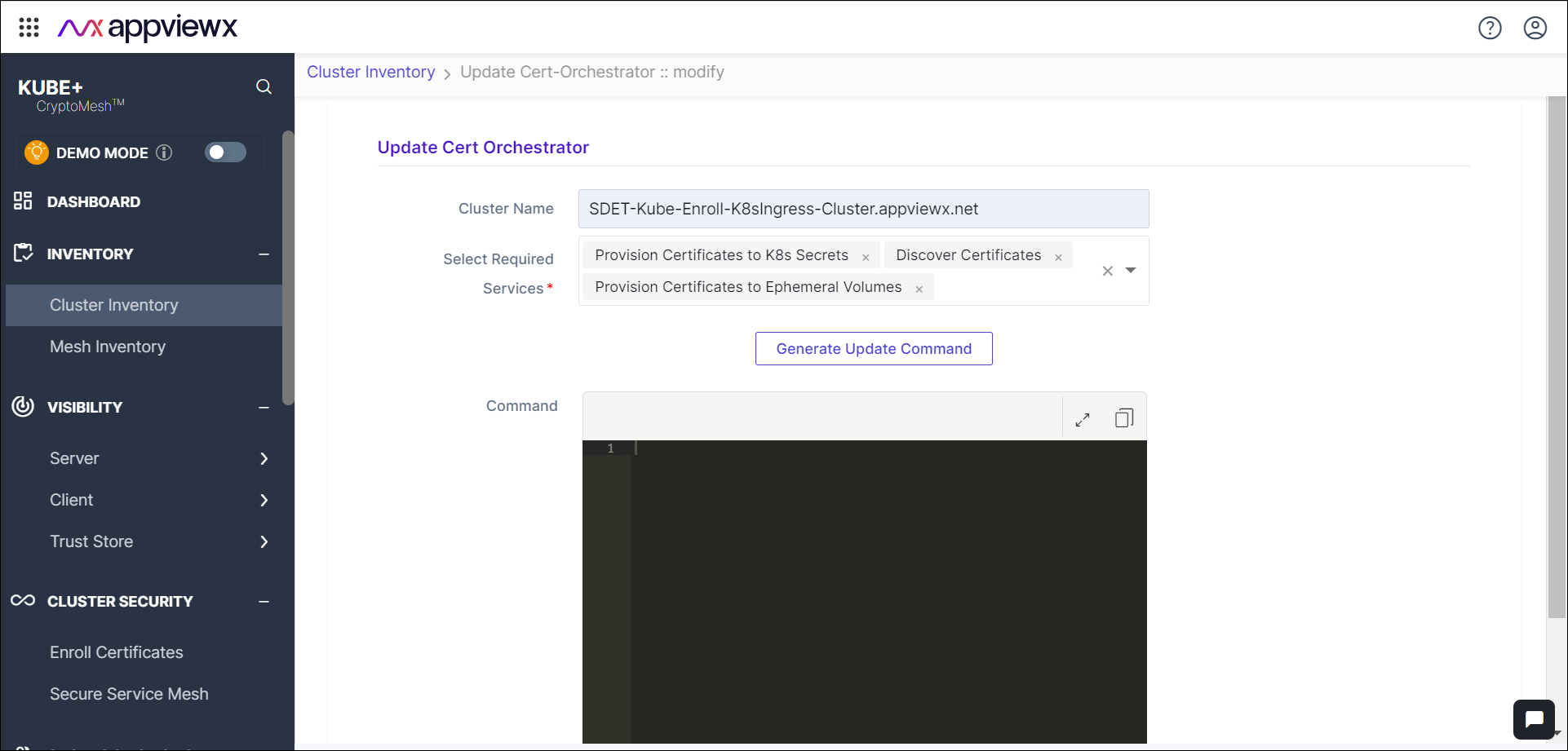
- Click Generate Update Command to get the updated deployment configuration.
-
Copy and execute the install command in the desired cluster.
Note: To go to the previous page, click on Cluster Inventory in the breadcrumb trail.