Settings
-
Go to
 (Menu) icon > PKI+ > Settings.
The Settings page appears.
(Menu) icon > PKI+ > Settings.
The Settings page appears.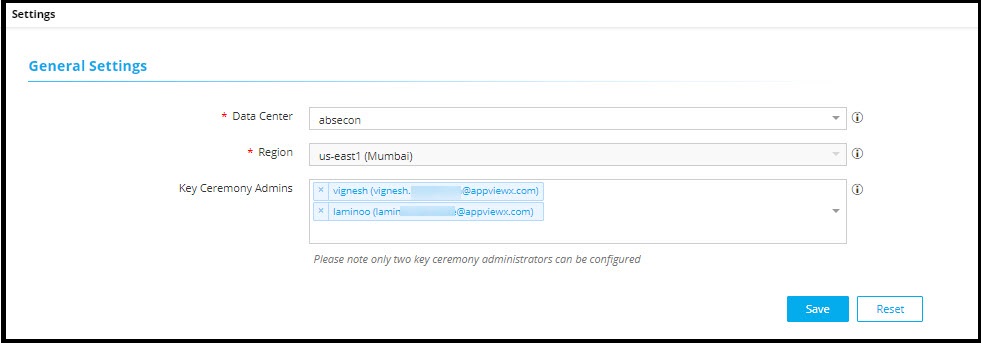
-
Enter the fields as described in the table.
Table 1. Fields for General Settings section Field Description General Settings *Data Center Select a data center from the dropdown list to establish connection with PKIaaS. *Region Select a region from the dropdown list. This is applicable only for on-premise deployment. Key Ceremony Admins Select two key ceremony admins. Note:- Only the default admins can add key ceremony admins.
- If key ceremony admins are configured, only they can add/delete custodians, but key ceremony admins cannot be added as custodians.
- SSO users cannot be key ceremony admins.
Note: Fields marked with red asterisk (*) symbol are mandatory. - Click Save.