Reports
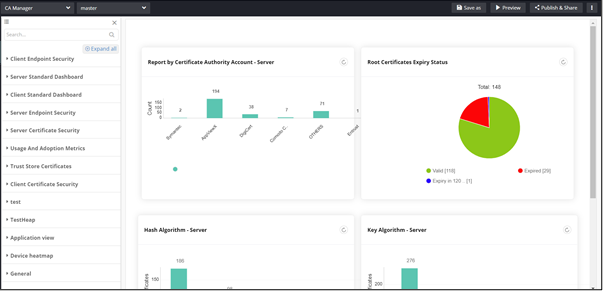
Note: For more information on Reports, refer to the
Reporting User Guide.
To access Reports:
-
From the component panel on the left, click Reports.
The Reports inventory is displayed.
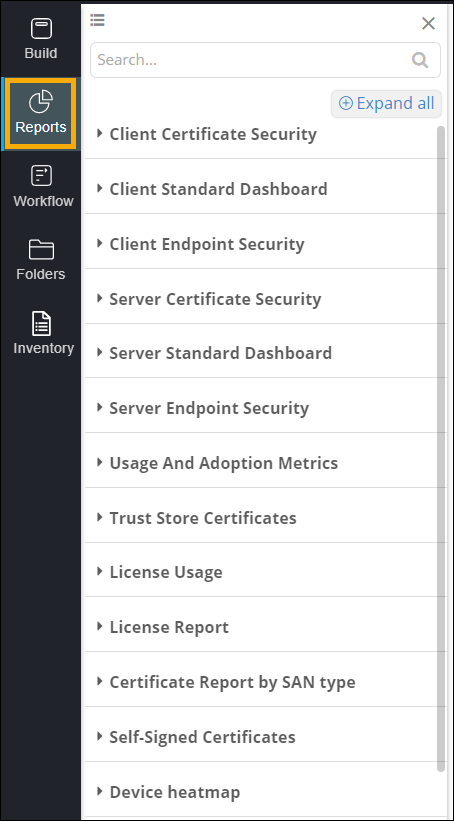
Table 1. Options descriptions for Reports Options Description View Allows you to switch between list view and grid view when the Reports Inventory is expanded. Search bar Allow you to search for a specific report. Collapse All/Expand All Allows you to expand/collapse the Reports inventory. -
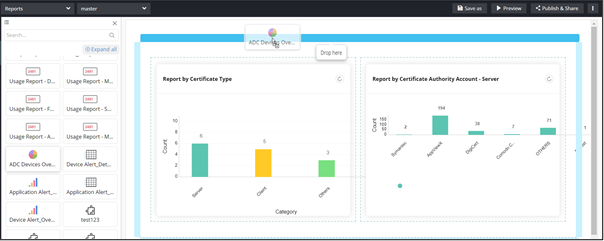
To add a report to your page, drag and drop the report to any blue highlighted
space in the build area.