IP Search Settings
The IP Search settings allows users to customize the fields displayed in each node of the IP search view. Users can easily toggle check-boxes to select or deselect specific fields, thereby controlling the visibility of information according to their preferences.
To configure the IP Search:
- Go to DDI+ > SETTINGS, and then click
IP Search.The Search settings page is displayed.
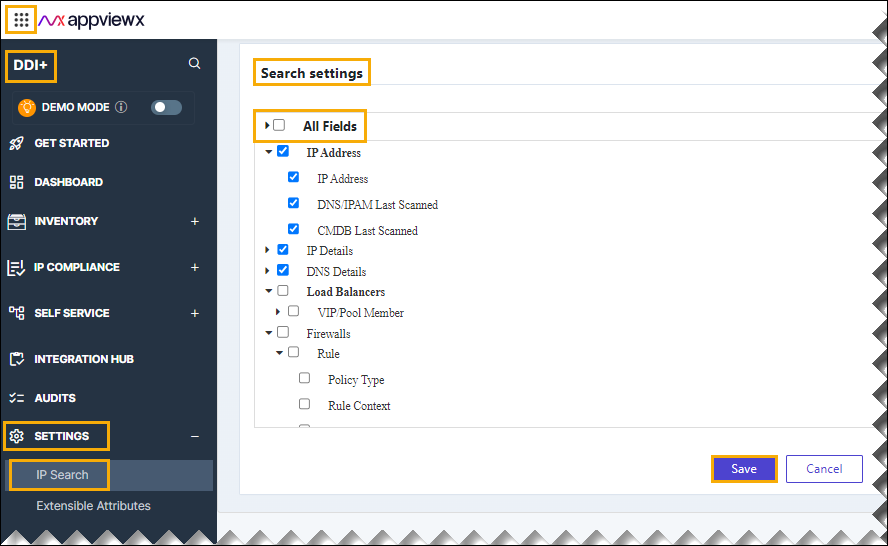
- In the All Fields section, select the desired checkbox that to be reflected on the dashboard reports.
- Click Save.