Creating Host Policy
-
Go to
 (Menu) icon > SSH+ > Policies > Host Policy.
-
Click Create Policy.
The Host Policy page is displayed.
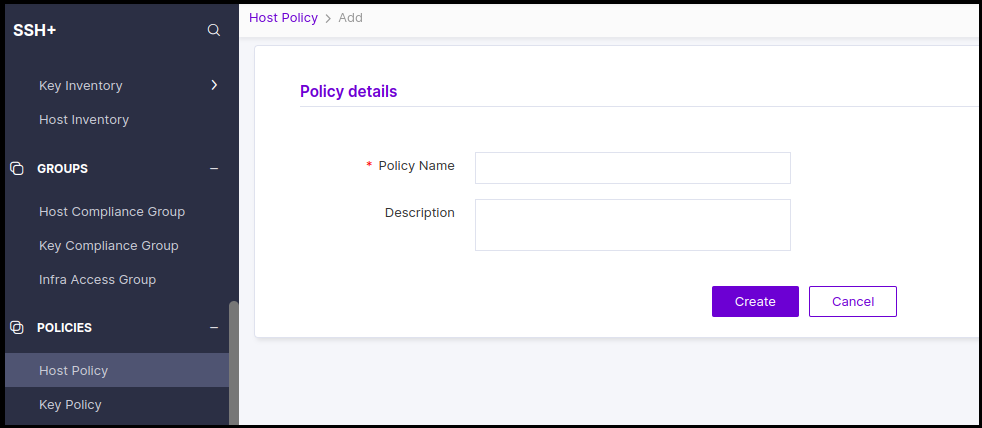
- Enter a unique policy name.
-
[Optional] Add description for the policy.
Click Create. The host policy is created.Note: Complete Host policy features will be available in a future release.