Crypto Minions
Crypto Minions displays the list of Crypto minions within a cert-orchestrator. On the
Crypto Minions page,
-
refresh the list, click the
 (refresh) icon.
 -
go to the pages, click the
 (navigation) icon.
 -
hover the mouse over the number of row displayed on the page, the Show popup opens and choose the no. of rows to be displayed on the page.
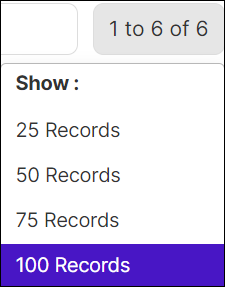
The Crypto Minions inventory list includes the following information:
| Column Name | Description |
|---|---|
| Cluster Name | Name of the cluster. |
| Status | Status of the cluster. |
| No. of Nodes | Nodes enabled for the cluster. |
| Status | Status of the resource. The possible statuses are Managed, Unmanaged, or Pending Approval. |
| Cert Orchestrator Version | The version of Cert Orchestrator. |
| CSI Provider Version | The version tag of the image. |
| Infra Orchestrator Version | The version of the Infra Orchestrator. |