Logs
Logs keep track of all activities that take place within KUBE+ or any external entity that is connected to the AppViewX system. The Logging functionality in AppViewX tracks user activities and creates the service level event logs.
To access the logs related to KUBE+, go to > > > and then click the Kube tab, if not selected by default.
On the Logging page,
-
go to the pages, click the
 (navigation) icon.
 -
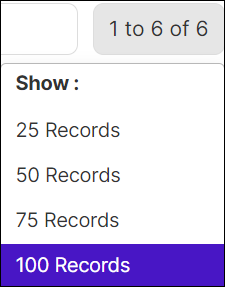
hover the mouse over the number of row displayed on the page, the Show popup opens and choose the no. of rows to be displayed on the page.