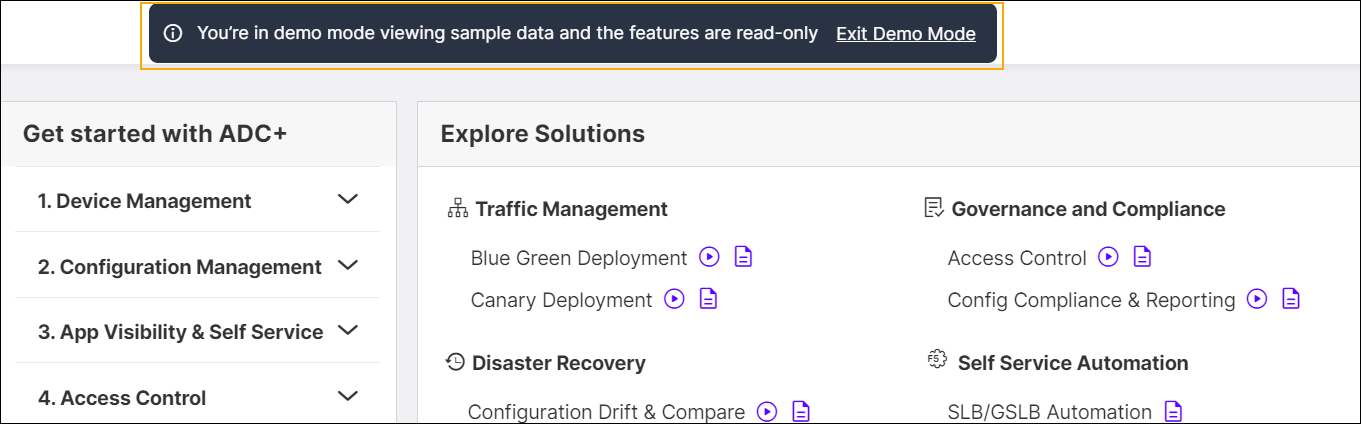
Demo Mode
Demo Mode is a state in which the ADC system operates to showcase its capabilities and features in a controlled environment. In Demo Mode, you can explore all ADC features with sample data, but you will not be able to perform any actions.
The Demo Mode feature option can be found within the left navigation panel. You have the flexibility to enable or disable this feature according to your requirements. Availability of other ADC features in Demo Mode might vary depending on the permissions set by the Access Control Framework (ACF).
To access the Demo Mode, Navigate to Menu > ADC+ and, then click the
DEMO MODE toggle button. While in Demo Mode, you will notice
that the Demo Mode option in the left navigation panel is highlighted. Additionally,
there will be a banner displaying content indicating that you are currently in Demo
Mode.