Search Using Frequent Search Links
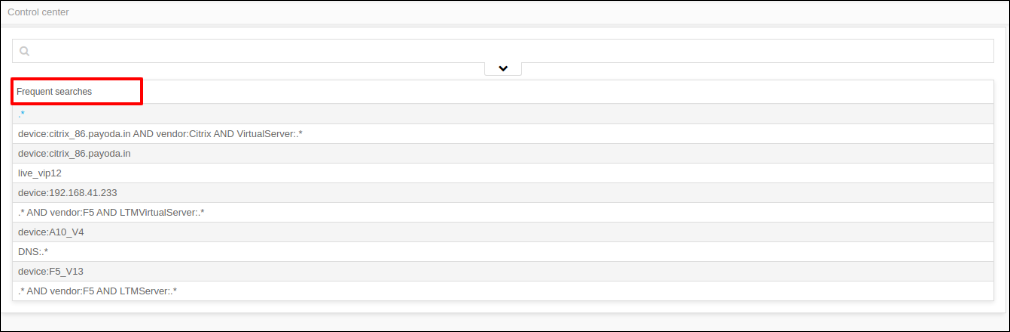
The App Search screen displays a list of frequent searches immediately below the search field. Click any of the items in the Frequent searches list to search the AppViewX platform for that word, phrase, or character set.
In the ADC search results screen, click the vertical ellipse button next to the
search bar and select Frequent Searches to view a list of frequent
searches.