Assign/unassign devices
-
Go to Menu > ADC+
> ASSET MANAGEMENT > Device
Group.
The Group screen opens.
-
From the Group page, select the device group to be modified and click
the
 (Modify) icon to navigate to the Group
Modification page.
(Modify) icon to navigate to the Group
Modification page.
-
To assign devices in the group, search for the device and select the devices
under the Available list.
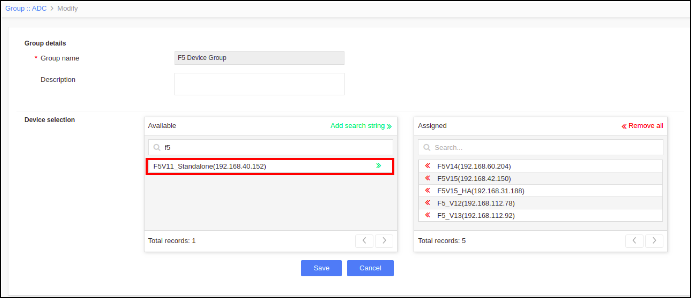
- To unassign devices in the group, search for the device and select the devices under the Assigned list.
- Click Save.