Creating the CA Policy
A CA policy is needed to define certificate requirements and ensure that certificates issued by the Certificate Authority (CA) adhere to these requirements.
On the CA Policy page,
- refresh the list, click the
 (refresh) icon.
 - go to the pages, click the
 (navigation) icon.
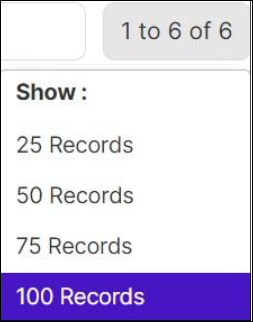
 - hover the mouse over the number of rows displayed on the page, the Show
popup opens and choose the no. of rows to be displayed on the page.
To define a CA policy:
- Determine certificate requirements (key size, algorithm, validity).
- Create a policy document outlining requirements and management procedures.
- Configure your CA to enforce the policy.
- Map the policy to certificate groups (by business unit, etc.).
To create a policy / view the list of policies/policy, go to menu > KUBE+ > Groups & Policies > CA Policy.