Deleting a Certificate Profile
-
Go to
 (Menu) > SIGN+ >
ADMINISTRATION > Certificate Profile.
The Certificate Profile page is displayed.
(Menu) > SIGN+ >
ADMINISTRATION > Certificate Profile.
The Certificate Profile page is displayed. - For the profile to be deleted, click the
 (Delete) icon.
 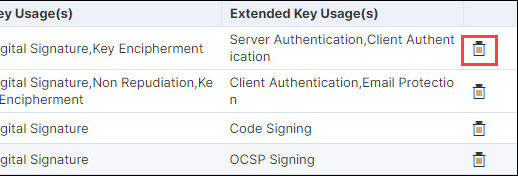 The Delete Confirmation popup is displayed.
 -
Click Yes.
The certificate profile is deleted.