Revocation Check for Code Signing Certificate
The following steps explain how to perform revocation check for a code signing
certificate:
- Go to
 (Menu) > SIGN+.
 - Under the CERTIFICATE ACTIONS, select Revocation Check - OCSP > Code
Signing Certificate.
The Code Signing Certificate page is displayed.
- To Revocation Check a Code Signing Certificate, select the certificate for which you want to perform a Revocation Check under Common Name.
- Click Actions menu and choose Revocation Check from the dropdown.
In the Revocation Check dialog box is displayed.
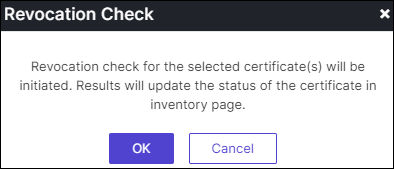
- Click OK to proceed revocation check.
- Revocation check results will be updated on the inventory page.