Suspend Certificate
Follow the steps below to suspend certificate:
- On the Code Signing Certificate page, select the certificate that you want to suspend.
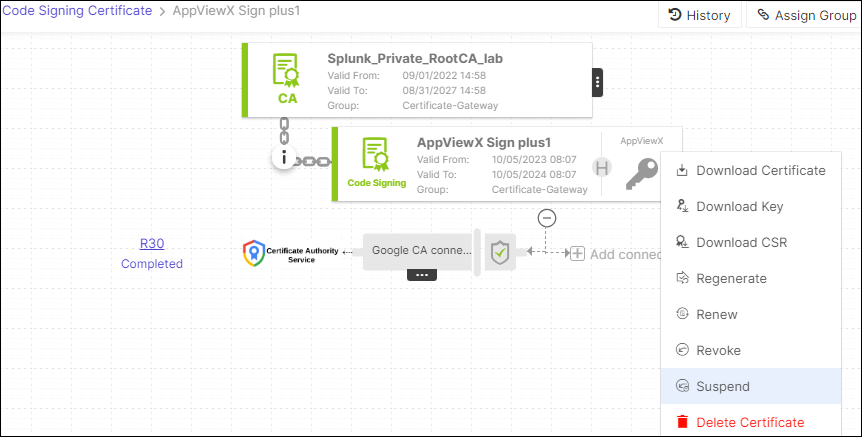
- Hover over the three-dot menu for the certificate, and then click
Suspend.
- In the Certificate Suspend dialog box, select the reason for suspending the certificate from the dropdown.
- You can also enter comments in the comments text field (optional), and then
click Yes.
The selected certificate will be suspended.