Configuring Device Sync
The device Sync feature allows to customize the configuration sync operations.
To customize the configuration sync operations,
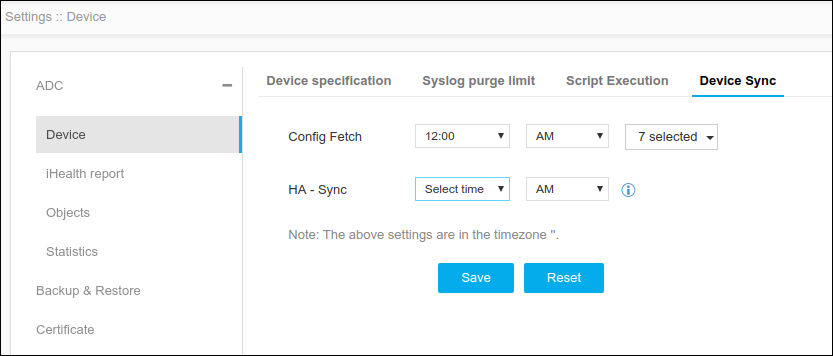
- Click Menu > ADC+ > SETTINGS > Module Settings > ADC > Device > Device Sync tab.
- On the Device Sync tab, specify the following:
-
Config fetch - Allows to schedule the config fetch process at a specific time for selected days. Ensures device changes are reflected in AppViewX.
-
HA - Sync - Ensures the HA devices are synchronized in specified intervals.
Note: To set device sync, the AppViewX Group Sync flag must be enabled while adding a device to run HA sync as per configured interval.
-
-
Click Save.
Note: To reset the changes, click Reset.