Migrating via CLI
- Select the option Migration CLI to trigger the migration. If you want to upgrade the application in the GUI, please refer to point No. 24.
-
Specify the path where the earlier version is currently running and press Enter
on your keyboard.
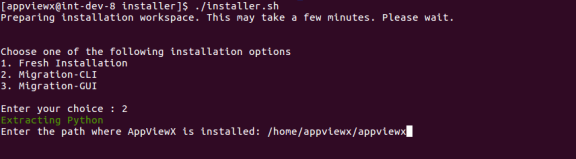 The upgrade process is triggered, which stops the previous running AppViewX components.After the components are stopped, the prerequisite check for the node is performed. The patch file is copied, extracted, and applied to the node.
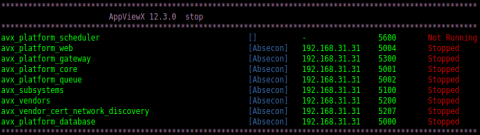 The prerequisite check for the 2019.4.0 upgrade starts.
 The initialization process for the 2019.4.0 upgrade starts.
 The avx_platform_database starts and data migration begins.
 The plugins defined in the plugins .meta configuration starts.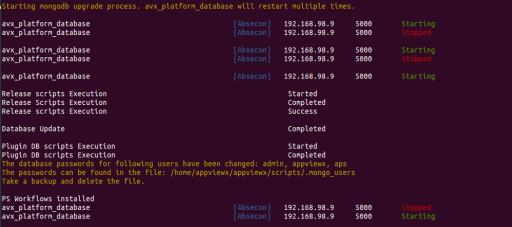
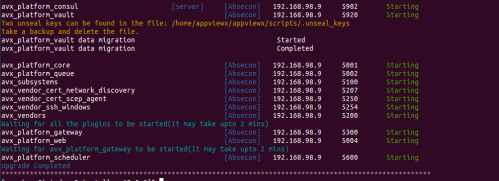
-
Validate the status of the upgrade using the following command and ensure that all
components are up and running:
$ cd <avx_installed_directory>/scripts
            && ./appviewx --status all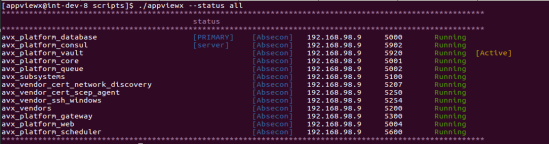
- Access the application by opening a browser on the host machine and entering https://<web_ip>:<web_port>.