Modify a Certificate Group
-
Click
 and select
Inventory > Group&Policies.
and select
Inventory > Group&Policies.
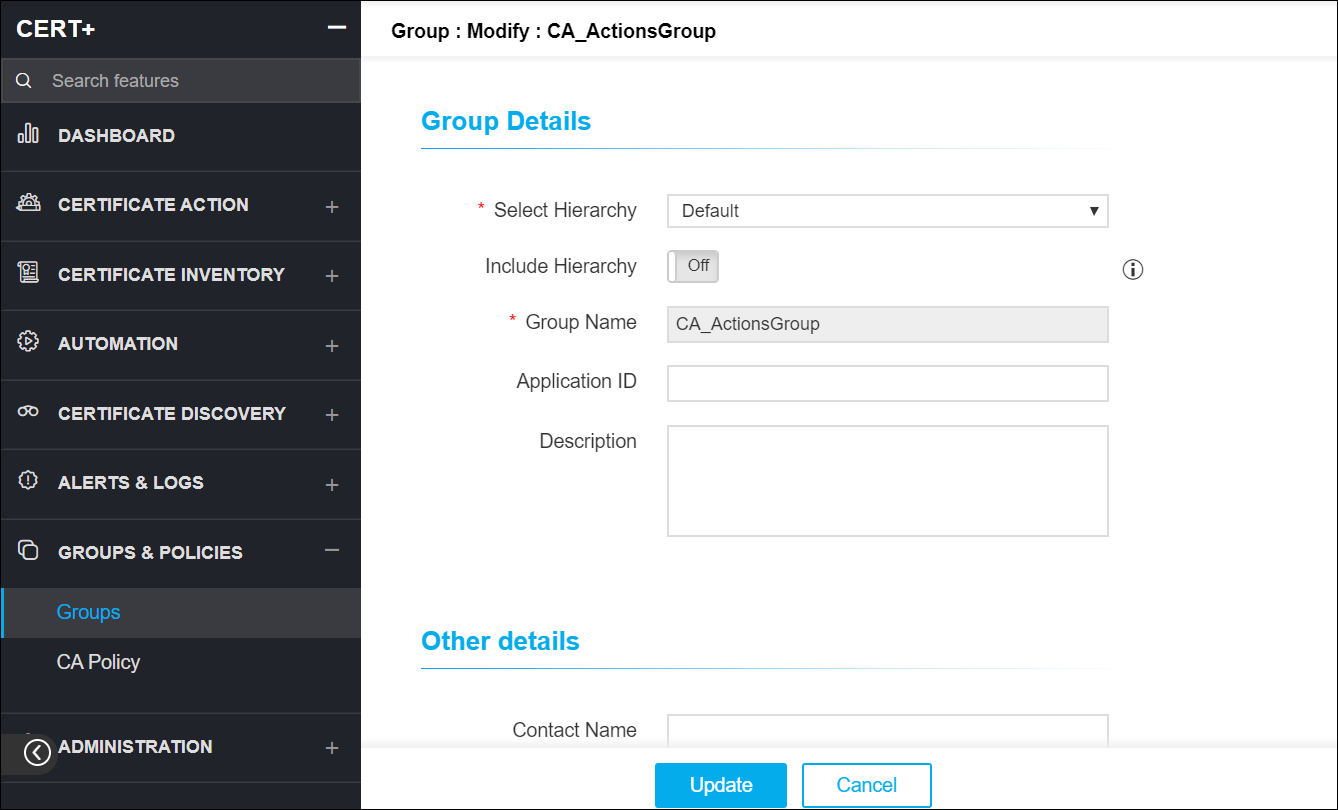
- Under Groups & Policies, click Groups.
- On the Group list view page, clickon the Name of the group you want to modify.
- On the Modify details page, make necessary changes.
-
Click Update to save the changes.