User Survey and Feedback
A feedback icon will be displayed at the bottom right and the top right corner throughout the
product for the user to submit feedback for the respective module. You can view the user
feedback by downloading the User survey and Feedback report from the Reports store.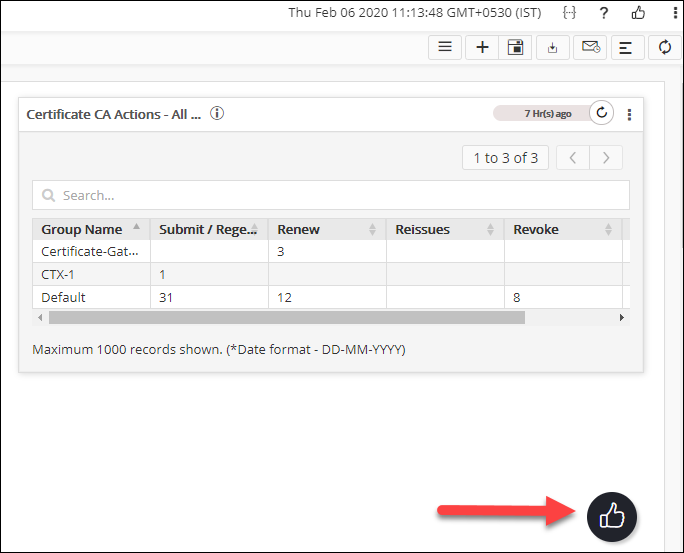
This option can be disabled by navigating to Settings > General > Reports > (Enable/Disable) User Survey and Feedback.