Section D
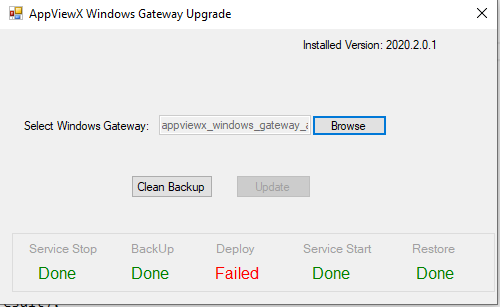
This section shows the status of the Update.
- Stop Service
- BackUp
- Deploy
- Service Start
- Restore
To upgrade AppViewX windows gateway,
- Click Browse and select the windows agent <.zip> file downloaded from the release portal.
-
Click Update to update the agent.
The Status message shows the workflow status as shown in the image below.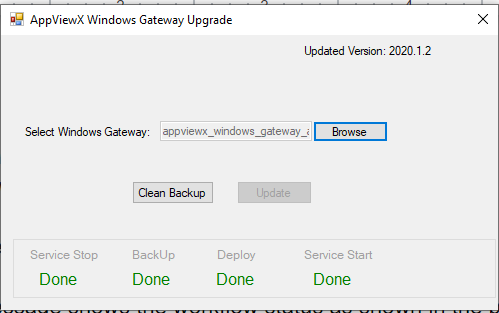
- Once the agent is updated, a message will appear.
-
In case of a failure, the agent will be restored and a failure message will appear.