Resource
-
From the upper left corner of the screen, click
 .
.
-
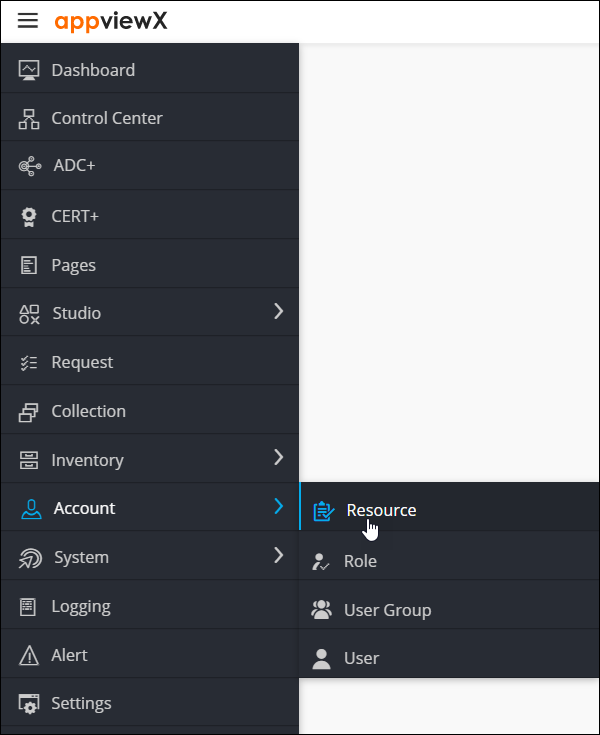
From the menu displayed, select Account >
Resource.
-
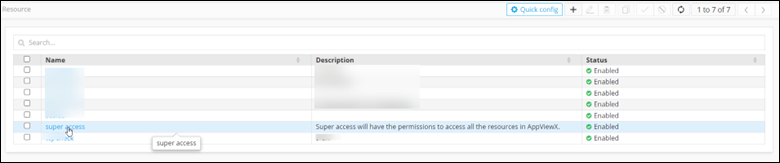
On the Resource page, click on the resource name.
-
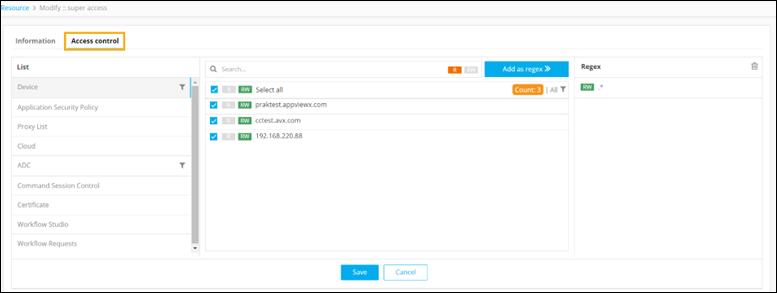
To see the actions authorized for this resource, click Access
Control.
-
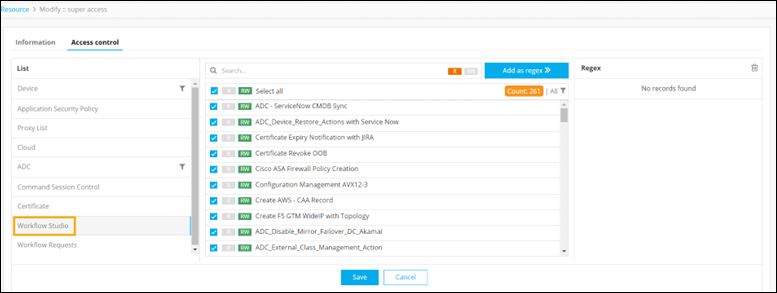
To see the permissions assigned to the resource in the Workflow Studio, select
Workflow Studio.
The following permissions can be defined:
- Read (R): To allow only Read access to the resource, click R against the Workflow name. The resource will not be able to modify the workflow.
- Read/Write (RW): To allow a resource to view and modify a workflow, click RW against the workflow name.
- Select/Unselect: If you unselect a particular workflow, that workflow will not be available in the Workflow Studio Inventory.
-
To see the permissions assigned to the resource in the Requests console, select
Workflow Requests.
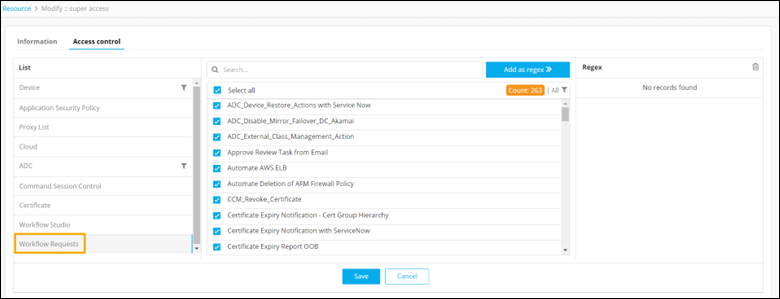
Note: If you unselect a particular workflow, that workflow will not be available on the Workflow Request page. - Click Save.