Preview a Page
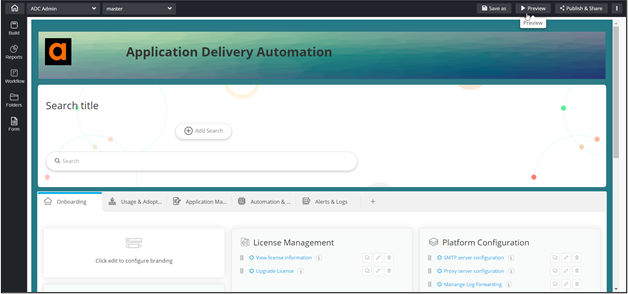
To preview a page:
- Open a page from the Design inventory.
-
From the top right corner of the screen, click
Preview.
A preview of the page opens in a new tab on your screen.
To preview a page: