Accessing the Report Builder
-
Log into AppViewX.
-
From the top left corner of the screen, click
 .
.
-
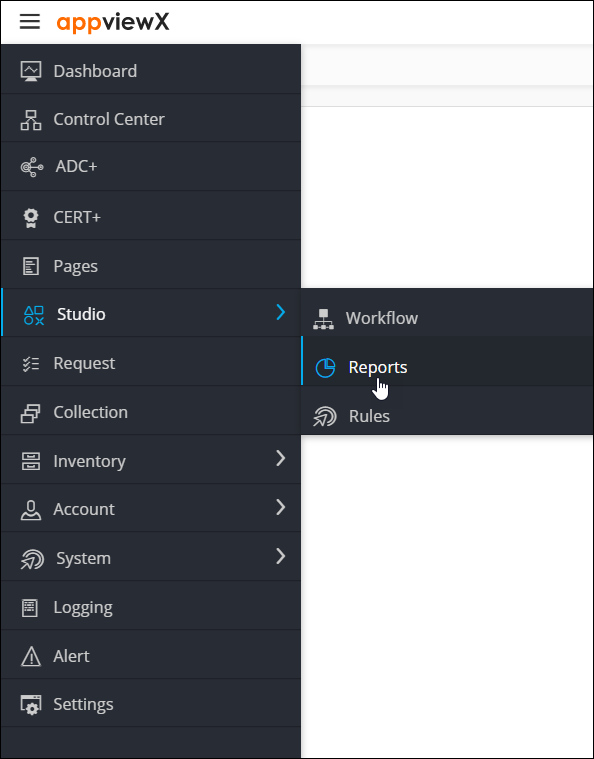
From the menu displayed, select Studio >
Reports.
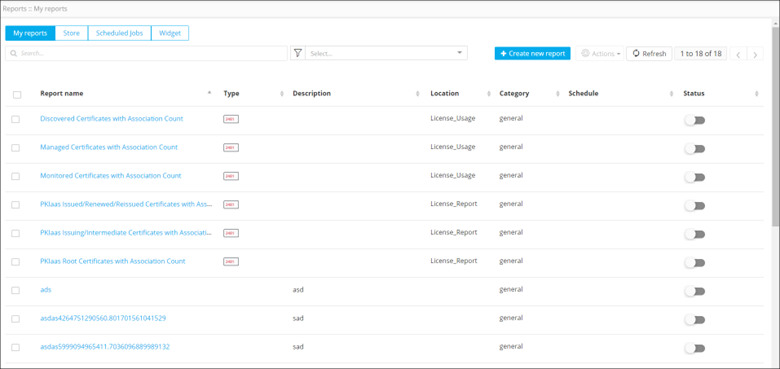
The Reports : My Reports page is displayed, with the My Reports tab open by default. This page is the Reports inventory page.