Delete Certificate Profile
To delete the certificate profile settings:
- Click Menu > CERT+ > ADMINISTRATION.
- Under Administration, select Certificate Profile.
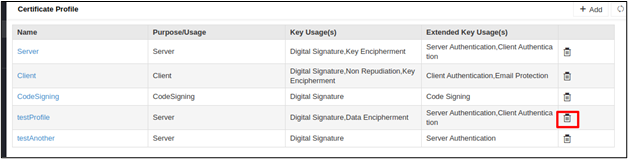
- Click Delete against the Profile to be deleted.
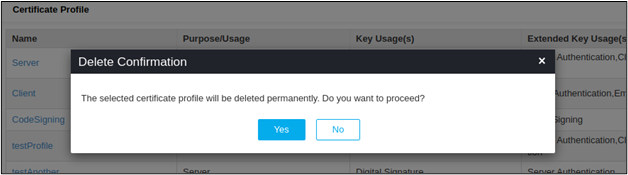
- Click Yes in the Delete Confirmation popup.