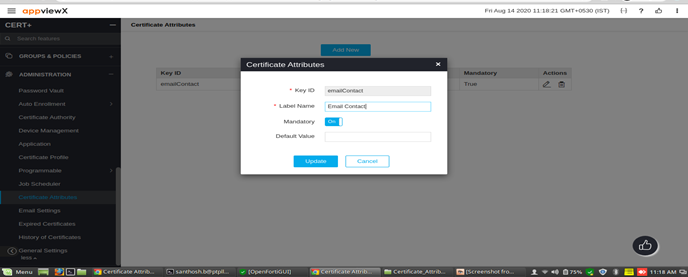
Update Certificate Attribute
- Log in to the AppViewX application with valid credentials.
- Click on the menu button.
The left navigation pane appears.
- Click CERT+.
The CERT+ left navigation pane appears.
- Expand ADMINISTRATION, and then select Certificate Attributes.
- Select the Edit icon under Actions.
- Update the Edit existing values.