License Report
The license report dashboard contains the usage numbers of all the key metrics related to the license.
To view a license usage report,
- Log in to AppViewX application with valid credentials.
-
Click the menu button located in the upper left corner of the screen.
The left navigation pane appears.
-
Click Dashboard in the left navigation pane.
The list of dashboards is displayed.
-
Click the desired Dashboard name.
The license report page appears:
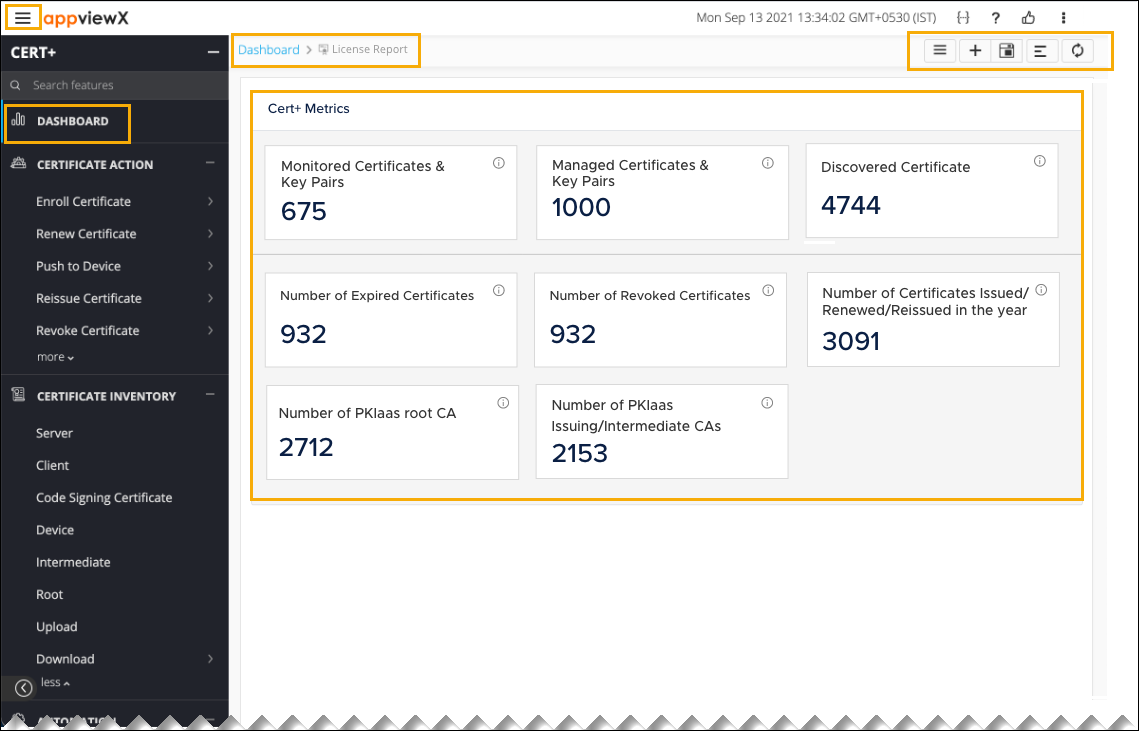
The following table describes the options available on the dashboard view page:
Options Descriptions Dashboard inventory 
Go to Dashboard page where all the Dashboards are listed. Create 
Create a dashboard/widget. Save widget 
Save the widget changes. Align 
Align the widgets within the dashboard. Refresh 
Refresh a dashboard. -
Click the Save Widget button in the command bar located at the upper right of the screen.