Delete Certificate Group
To delete a certificate group:
- Click the Menu (
 ) icon.
 - Click CERT+.
The CERT+ left navigation pane appears.
- Click Groups from Groups & Policies on the LHS pane.
The group inventory page appears.
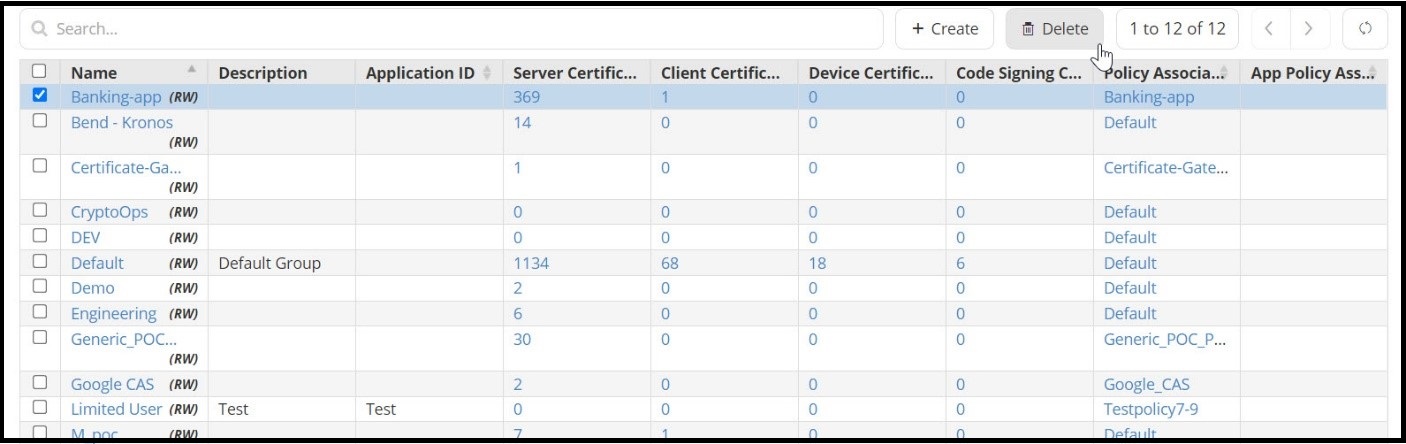
- Select the group you want to delete and click Delete.
A Confirmation popup window appears.
- Click Yes.
The group is deleted from the inventory.