Edit Certificate Group
To modify a certificate group:
- Click the Menu (
 ) icon.
 - Click CERT+.
The CERT+ left navigation pane appears.
- Click Groups from Groups & Policies on the LHS pane.
The group inventory page appears.
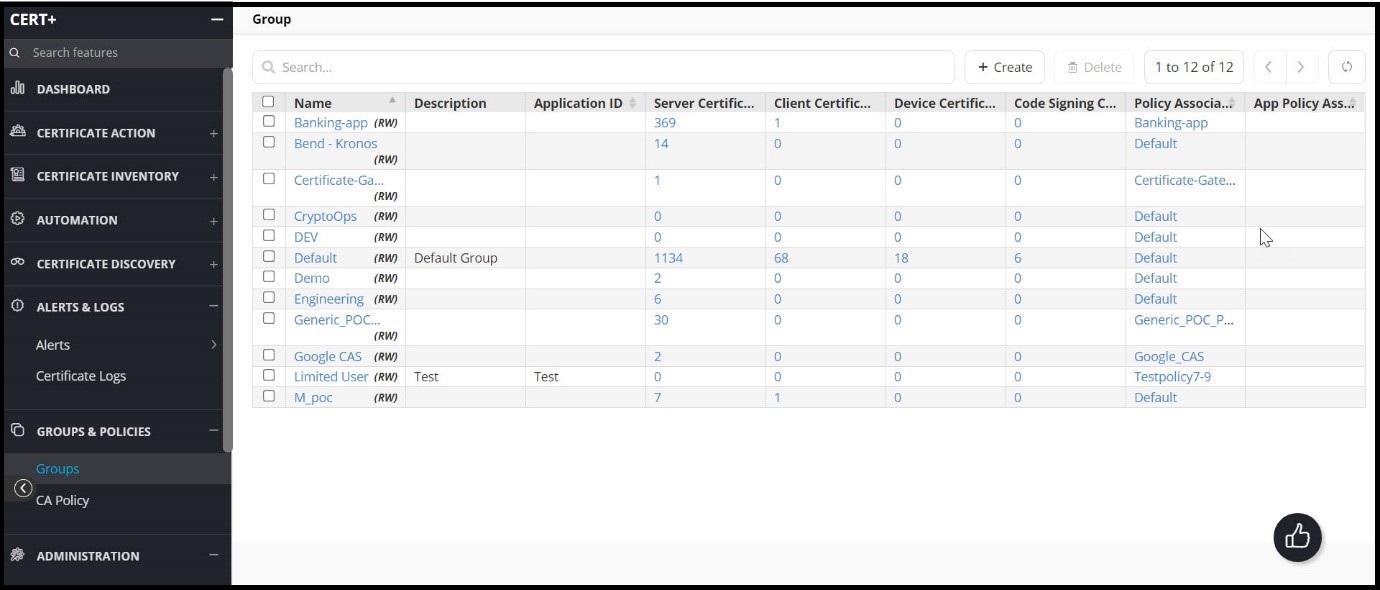
- Click the name of the certificate group you want to edit.
- On the Modify screen that appears, make whatever changes you want to the content.
- Click Update to save your edits.