Modify a Group
Assign the user to a user group that (inherits from resource and role) have access to the certificate group
- Log in to AppViewX application with valid credentials.
- Click the menu button located in the upper left corner of the screen.
The left navigation pane appears.
- Click CERT+.
The CERT+ left navigation pane appears.
- Click Groups under Groups & Policies.
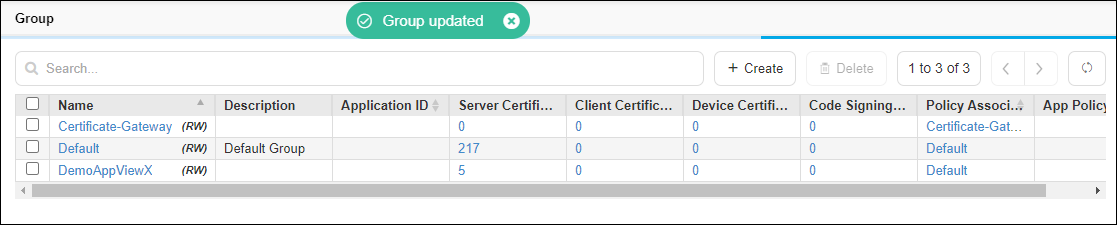
The group inventory appears.
-
Click the Name (Group name) to view the group details.

- Modify required fields in the group and click the Update button. Field descriptions are available in Create a Group section.
-
The changes are updated and a confirmation message displays.