Pin a Widget
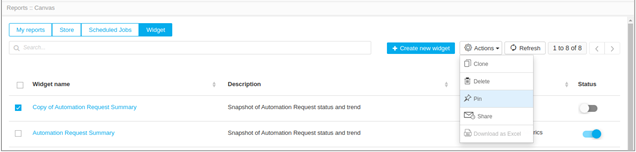
To pin a widget,
- Log in to the AppViewX application with valid credentials.
- Click Menu > Studio > Reports.
- Under the Widget tab, enable the checkbox to select a report.
- Click Actions dropdown on the top-right and select Pin.
-
On the Pin report(s) to Dashboard popup window, select
Existing Dashboard or New Dashboard based on where it has to be pinned.