Validating GlobalSign MSSL
-
Go to
 (Menu) > SIGN+ > ADMINISTRATION > Certificate Authority.
-
From the displayed CA, Select GlobalSign.
The GlobalSign home page is displayed.
-
In the Status column of the grid with the listed accounts, click GlobalSign MSSL
from the left pane of the page.
The GlobalSign MSSL home page is displayed.
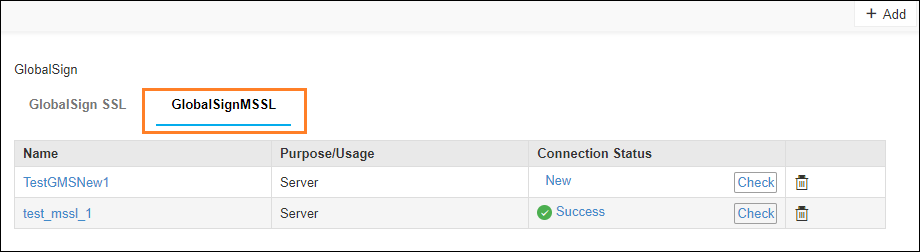
- In the Status column of the grid with the listed accounts, click Check to validate the CA setting that is created.
-
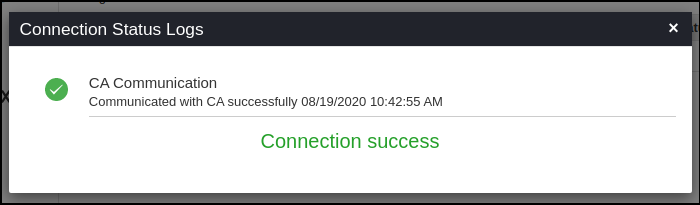
CA communication will be validated and the Connection Status will be shown as either
Success or Failure.