Viewing Certificate Attributes in Certificate Inventory
-
Go to
 (Menu) > SIGN+ >
CERTIFICATE INVENTORY > Code Signing.
The Code Signing Certificate page is displayed.
(Menu) > SIGN+ >
CERTIFICATE INVENTORY > Code Signing.
The Code Signing Certificate page is displayed. -
Click
 (Columns) icon.
Select certificate attributes to display in the certificate inventory.
(Columns) icon.
Select certificate attributes to display in the certificate inventory.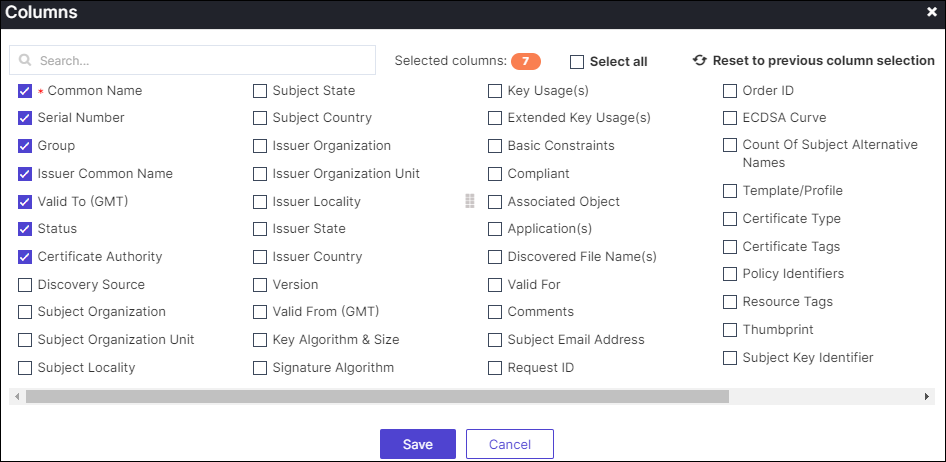
-
Click Save.
The selected certificate attributes will be displayed in the certificate inventory.