Creating a Script Hook
- Go to the Hooks Inventory.
-
On the Workflow > Hooks Inventory page, from the command bar on
the top right corner of the screen, click
 (Add) icon.
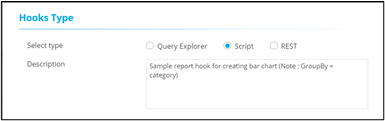
- On the Workflow > Hooks Inventory > Add page, under Hooks Type, select Script.
-
Enter a description for the hook.
-
Under Script Details, enter the Script name and
define the script logic.
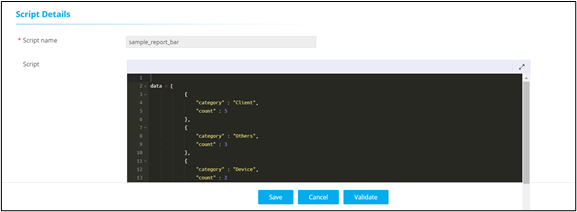
- To add this new hook to the hooks inventory, click Save.