Exporting Helper Scripts
- Go to the Helper Script Library.
- On the Helper Script Library page, select the helper script(s) to be exported.
-
To export the selected helper script(s), click
 (Export) icon in the command bar.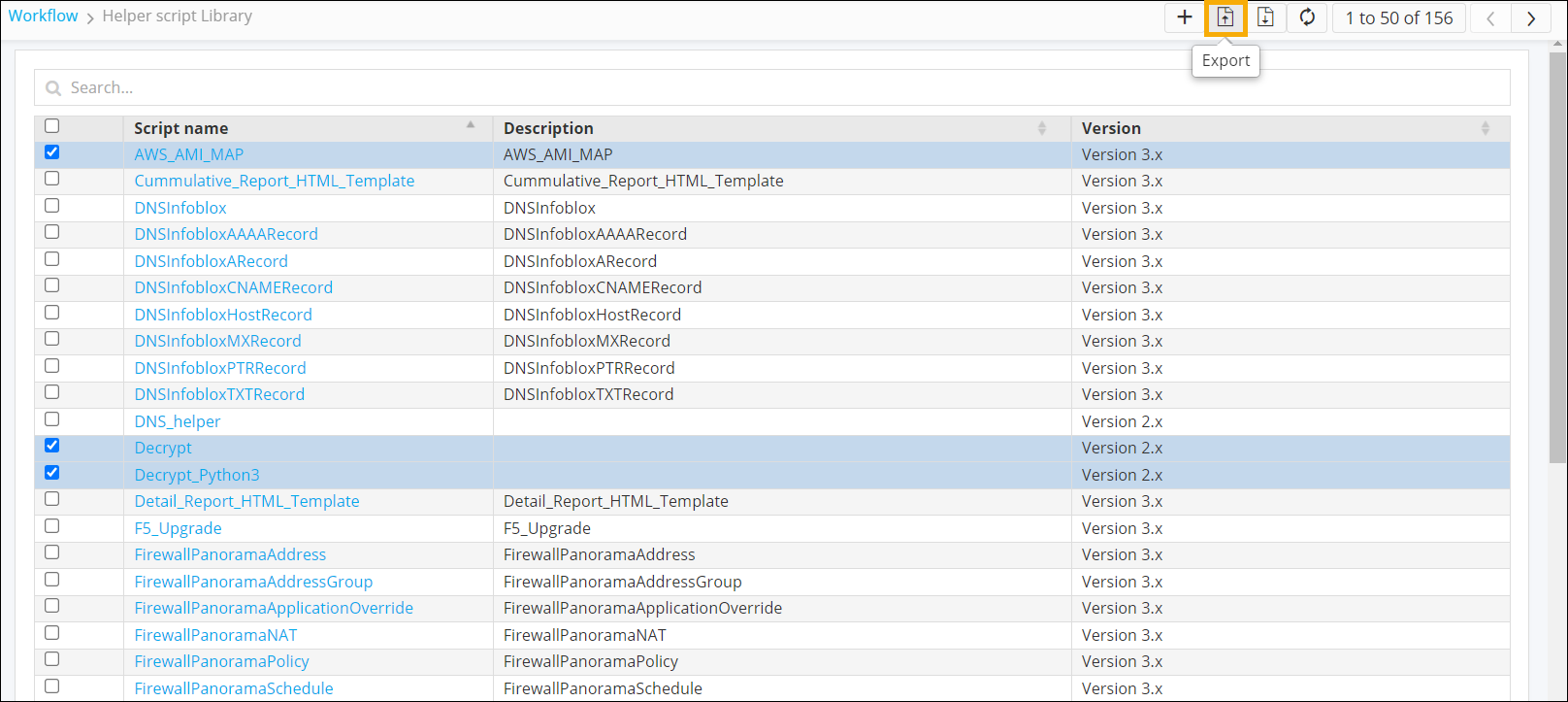
-
Click Ok in the Confirmation pop-up window.
The helper script(s) is/are saved to your computer as a <.zip> file.Note: When you open the exported file in a text editor, you will notice
\nappended in many places within the script. This is the default behavior. However, when the same file is imported, these characters will not appear in the script.