Modifying an Existing Regex 
- Go to the Regex Library.
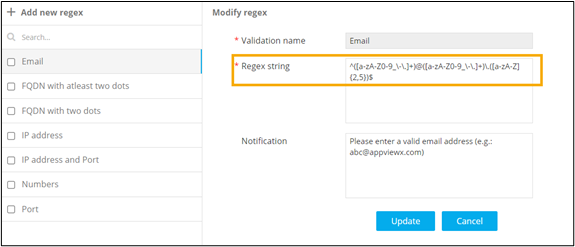
- On the Workflow > Regex Library page, select an existing Regex from the list. For example: Email.
-
To modify the Regex string, enter a different regex
pattern for email validation.
- To save this modified regex pattern, click Update.