Assign Certificate to a Group
-
Go to
 (Menu) > SIGN+.
-
Under the CERTIFICATE INVENTORY, select Code Signing.
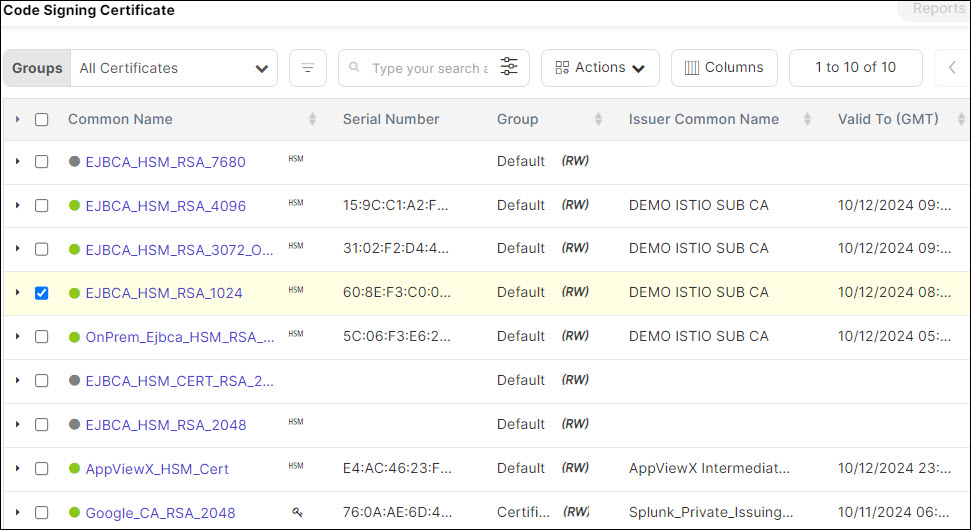
The Code Signing Certificate inventory is displayed.
- Click List button on upper right of the Code Signing Certificate inventory screen.
- Select the check box against the certificate(s) you want to assign to a group.
- Click Actions drop-down and select the Assign Group option from the
drop-down.
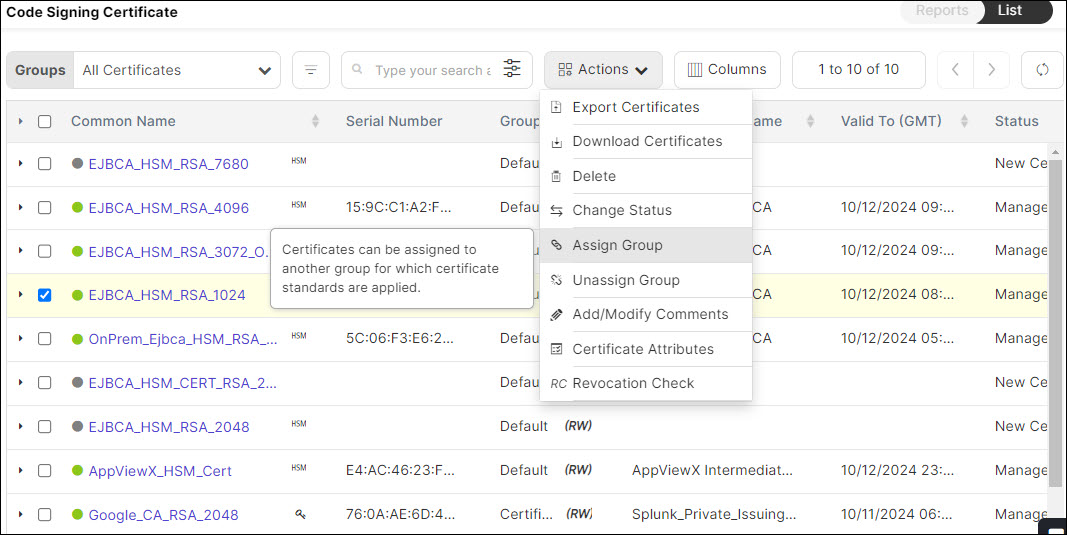
- The Assign to Group pop-up is displayed. Select the Group from the list.
- Click Assign button to move the certificate(s) to the selected Group.
- Click Groups drop-down and select your Group from the drop-down.
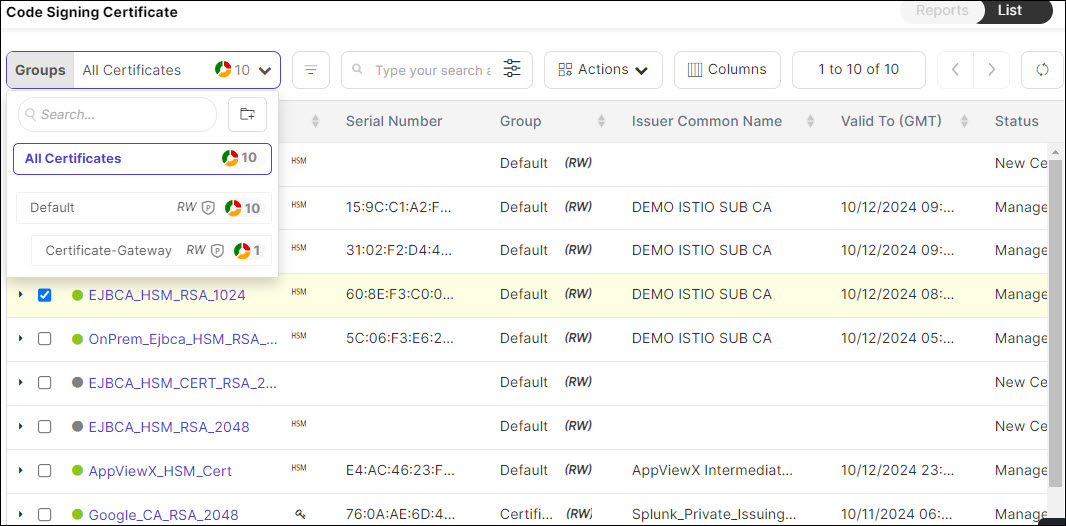
- You can view the certificate(s) assigned to the Group. The table provides certificate(s)
details.