Modify a Group
-
Go to
 (Menu) > SIGN+ > GROUPS & POLICIES > Groups.
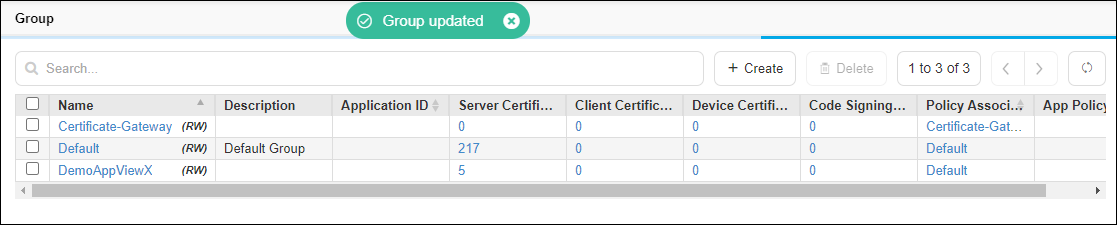
The Group home page is displayed.
(Menu) > SIGN+ > GROUPS & POLICIES > Groups.
The Group home page is displayed. -
Click Name (Group name) to view the group details.

- Modify required fields in the group and then, click Update. Field descriptions are available in Create a Group section.
-
The changes are updated and a confirmation message displays.