Config Fetch
This action is being used to fetch and update the device configuration in AppViewX.
- Select Menu > ADC+ > ASSET MANAGEMENT > Device Inventory.
- Go to Menu > ADC+ > ASSET MANAGEMENT > Device Inventory.
-
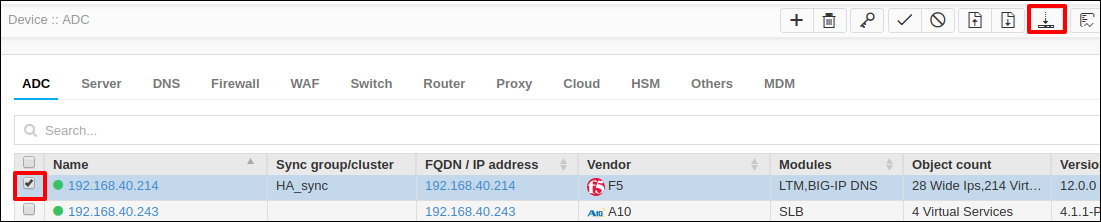
Select the devices from the Device Inventory page.
-
Click the Config fetch icon.
Once the config fetch is triggered, the device will be moved to Queued status and then InProgress status. Eventually, the device status will be updated to Managed once the device configuration is downloaded and parsed successfully in the AppViewX.